
My courses
The My Courses page comprises three sections.

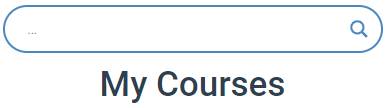
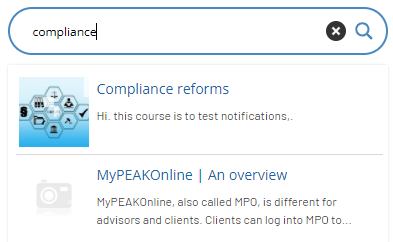
The first is a search bar. When you type keywords or a title in the search bar, the platform will search for any matching courses.
All the courses and training sessions in which you are currently enrolled and those that you have completed are displayed below the search bar.
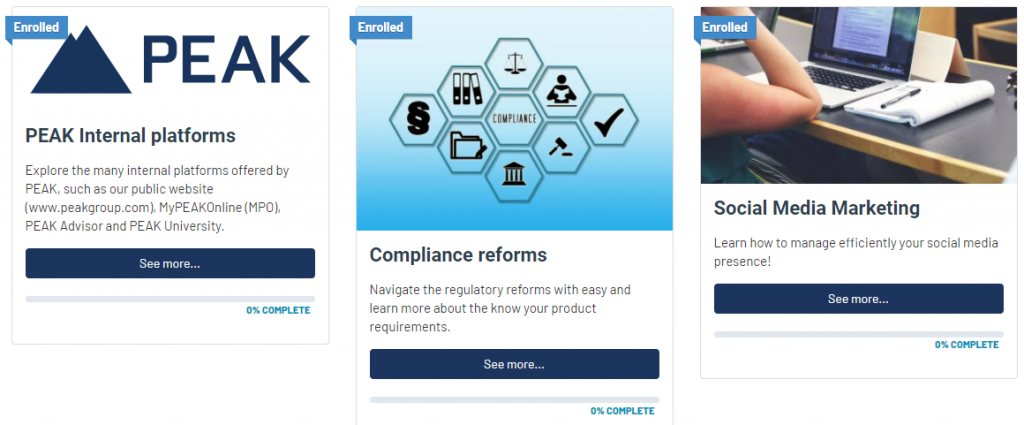
The lower section, “All Courses”, lists all the courses available on the platform.

To start a course, select “See more…”.
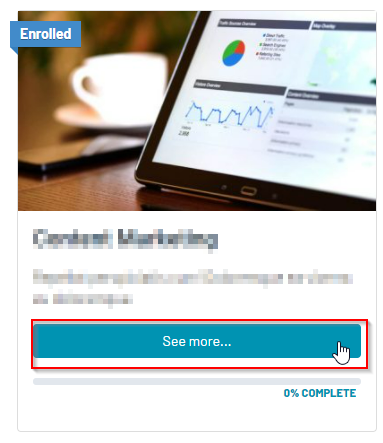
Within the course, you can see how many steps, or modules, are included and your progress for the course.


Below is a description of the course and its objectives. Follow the instructions on each page to start a course. At the bottom right of each module are the “Mark Complete” and “Next Topic” buttons, which take you to the next modules.
Once a course is completed, click on “Mark Complete” to go to the next one. Marking a course as completed ensures the completion is logged correctly in your account.
Repeat the steps for every module until the course is completed.
Any uncompleted training stays as is and can be completed later.

Go back to the PEAK University home page anytime by clicking the PEAK logo in the top left corner. Any uncompleted training stays as is and can be completed later.