My account
The My Account page gives you a dashboard of your training activity and allows you to manage your profile.
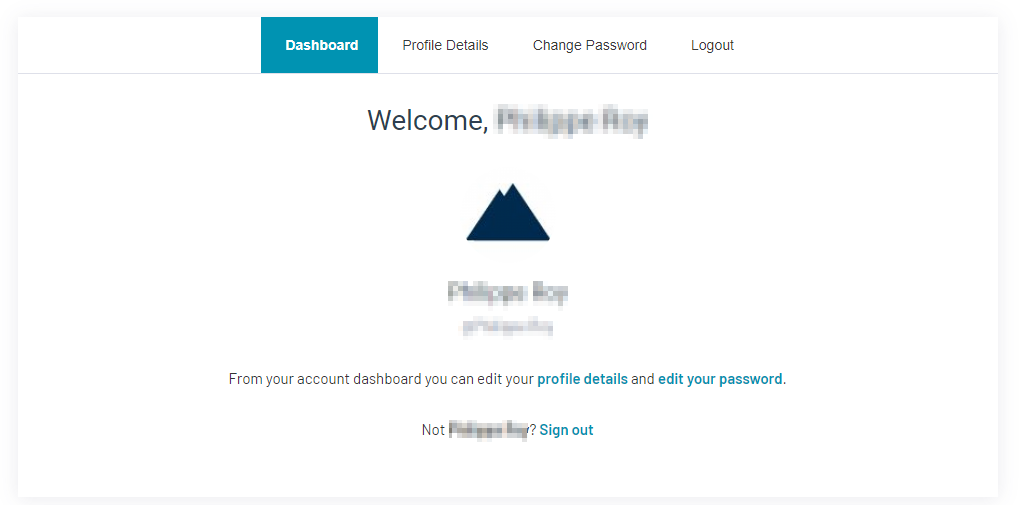
The first part on this page is your profile dashboard.
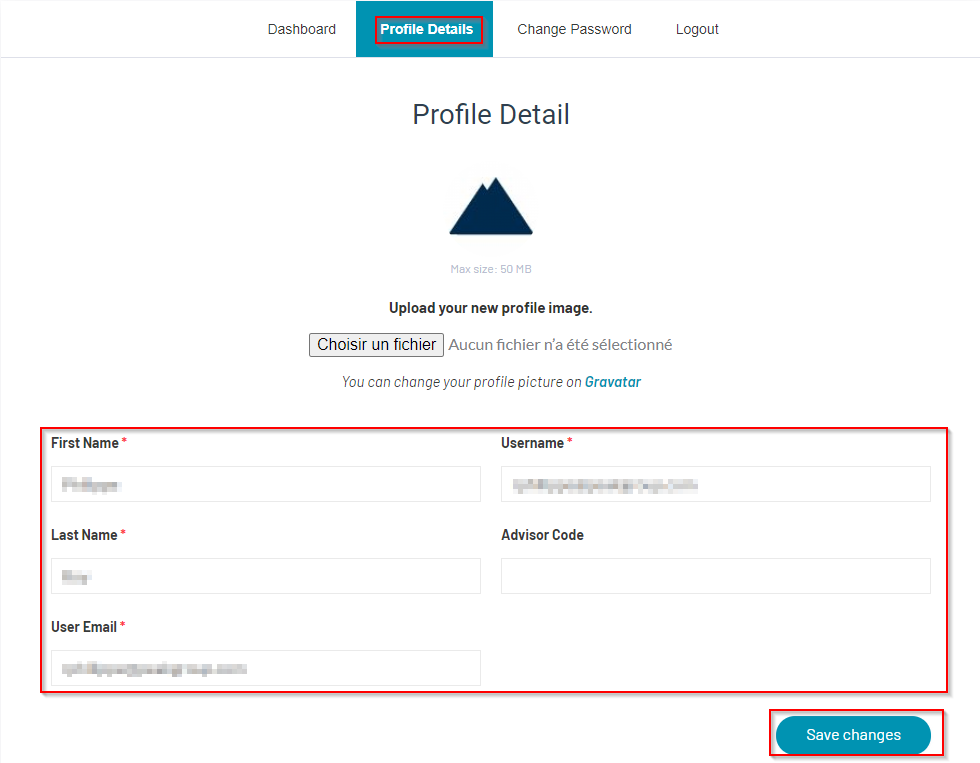
To change your personal information, select “Profile Details”. Here you can edit your name, user name and email address. Once done, click on “Save changes”.
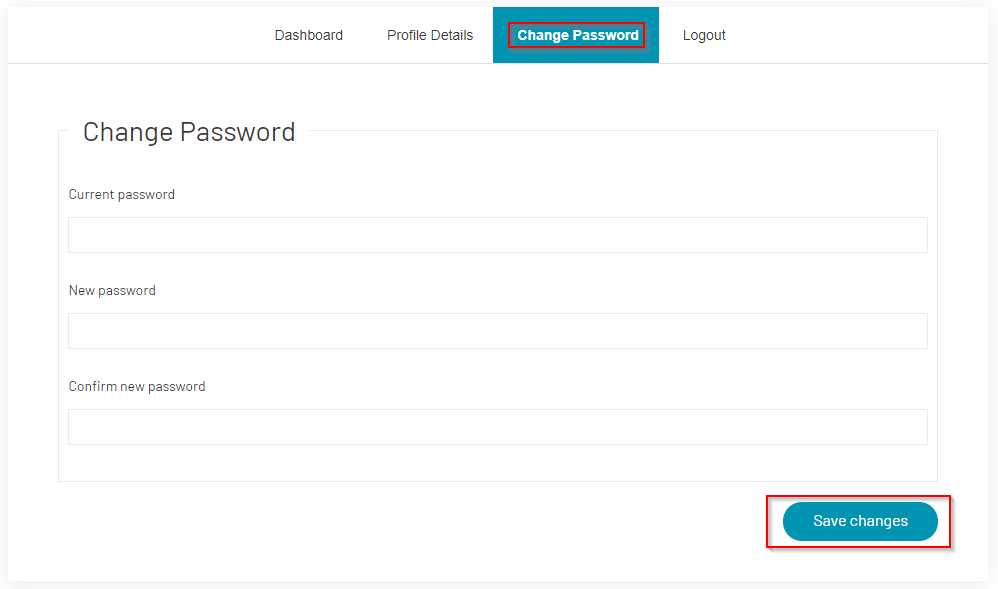
To modify your password, select “Change Password”. Enter your current and new passwords, then click on “Save changes”.
Below the account dashboard, you will find information on your courses and certificates.
At the top of the screen, you will see the number of courses assigned to you, the number of courses you have completed and the number of certificates you have received. Note that not all courses lead to a certificate.
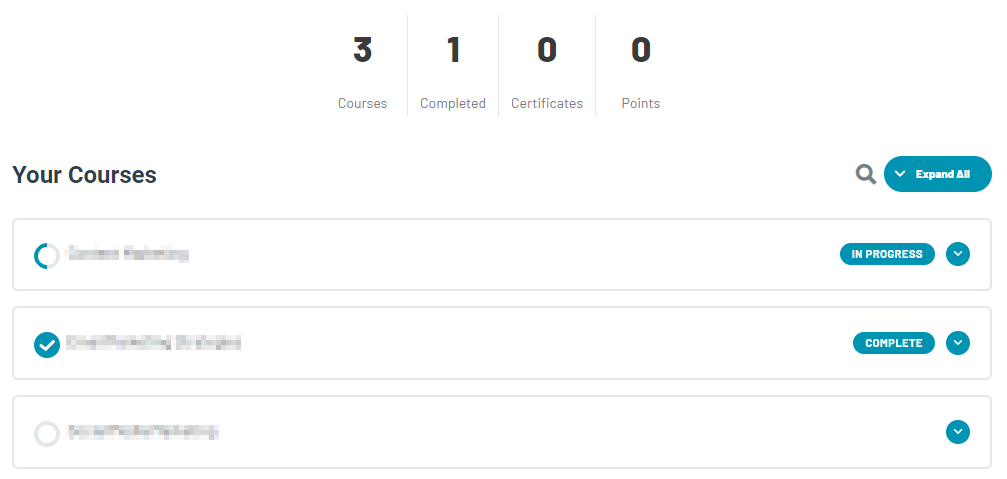
Here you can see all courses completed, in progress and not started.
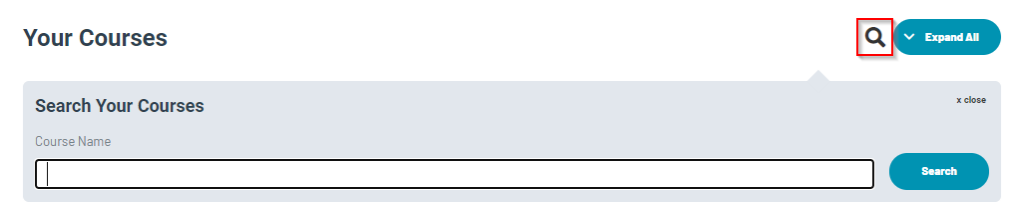
Click on the magnifying glass to search by keywords and see courses related to the keywords.
Below is a list of all the courses assigned to your name, displayed in a different format than above. The courses in both sections are the same. In this list you can see results for completed courses and quizzes, and download the achievement certificates, if applicable.